Explore & edit
Browse supported Salesforce source and work with Apex, Aura, Lightning Web Components, Visualforce, and more.
Explore the workspace
Lightning Connect organizes Salesforce data, metadata, and developer workflows around the context you are already working in.
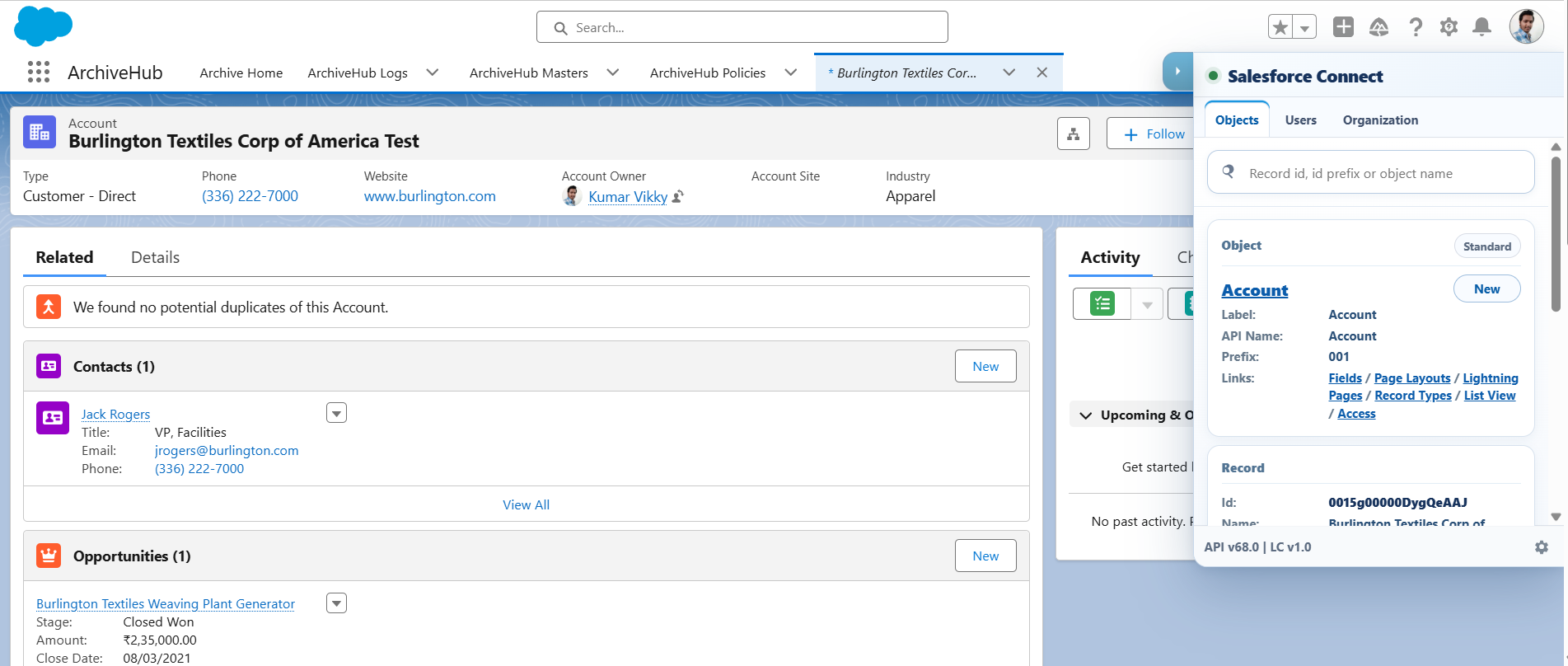
01 · Salesforce launcher
The in-page drawer surfaces searchable objects and users, organization context, session status, and quick paths to the workspace tools.
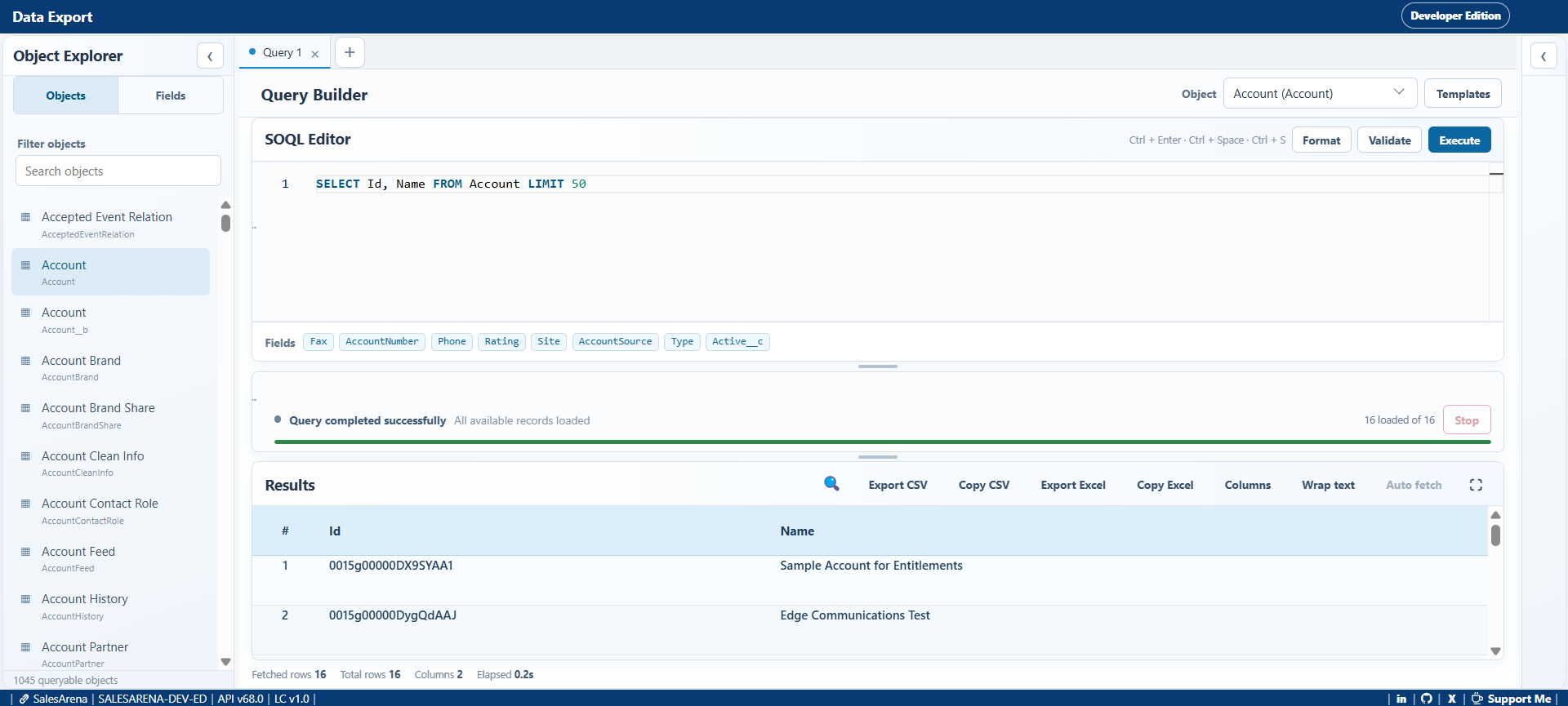
02 · Data export & view
Inspect objects and fields, construct SOQL queries with editor assistance, review paged results, and export or copy data in practical formats.
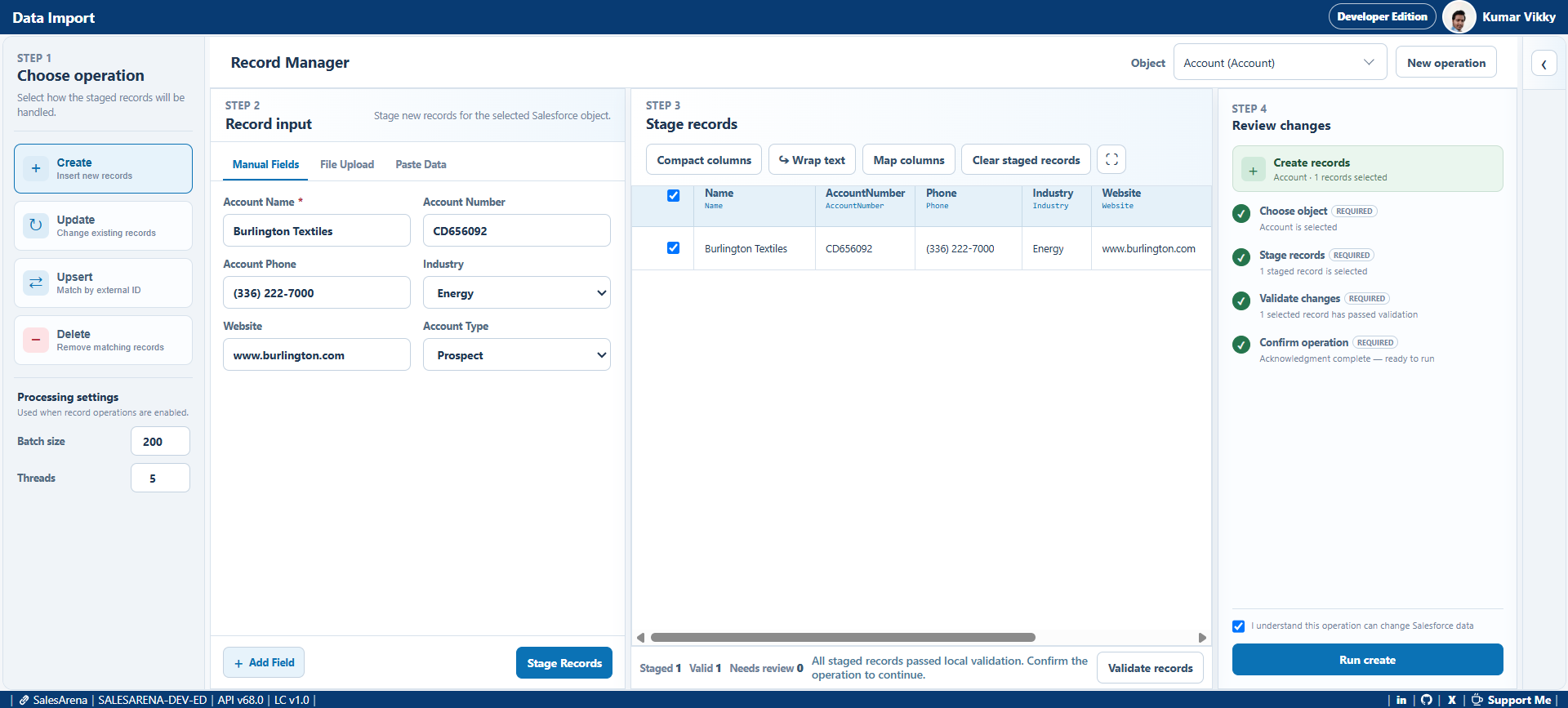
03 · Data import
Bring in records manually, from pasted tabular data, or from CSV and Excel files. Map columns, validate staged rows, select permitted operations, and review results.
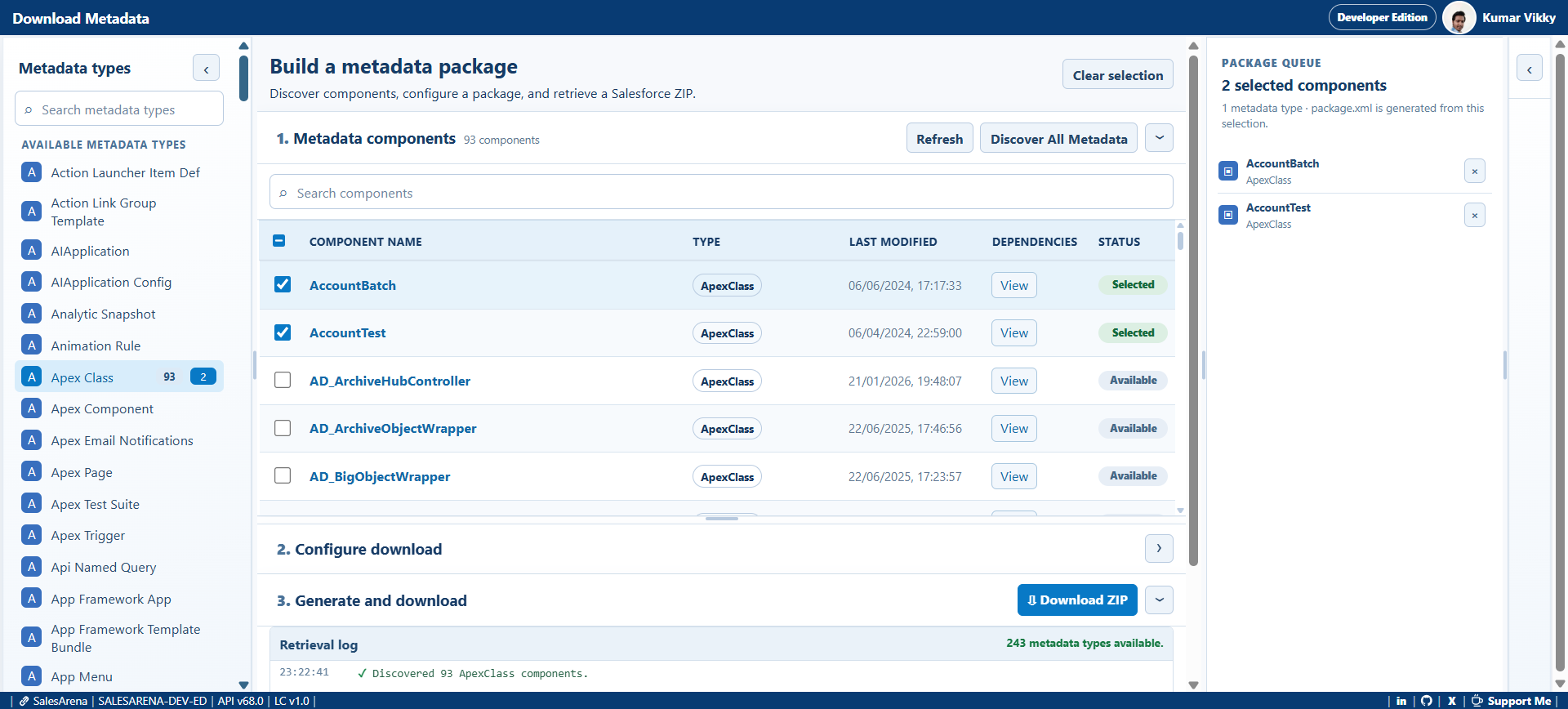
04 · Download metadata
Discover metadata types and components, create a precise selection, inspect available dependencies, generate package.xml, and download a Metadata API ZIP.
05 · Developer console
Work with Salesforce files in a Monaco-based editor, compare changes, use local scratch files deliberately, and run supporting developer workflows.
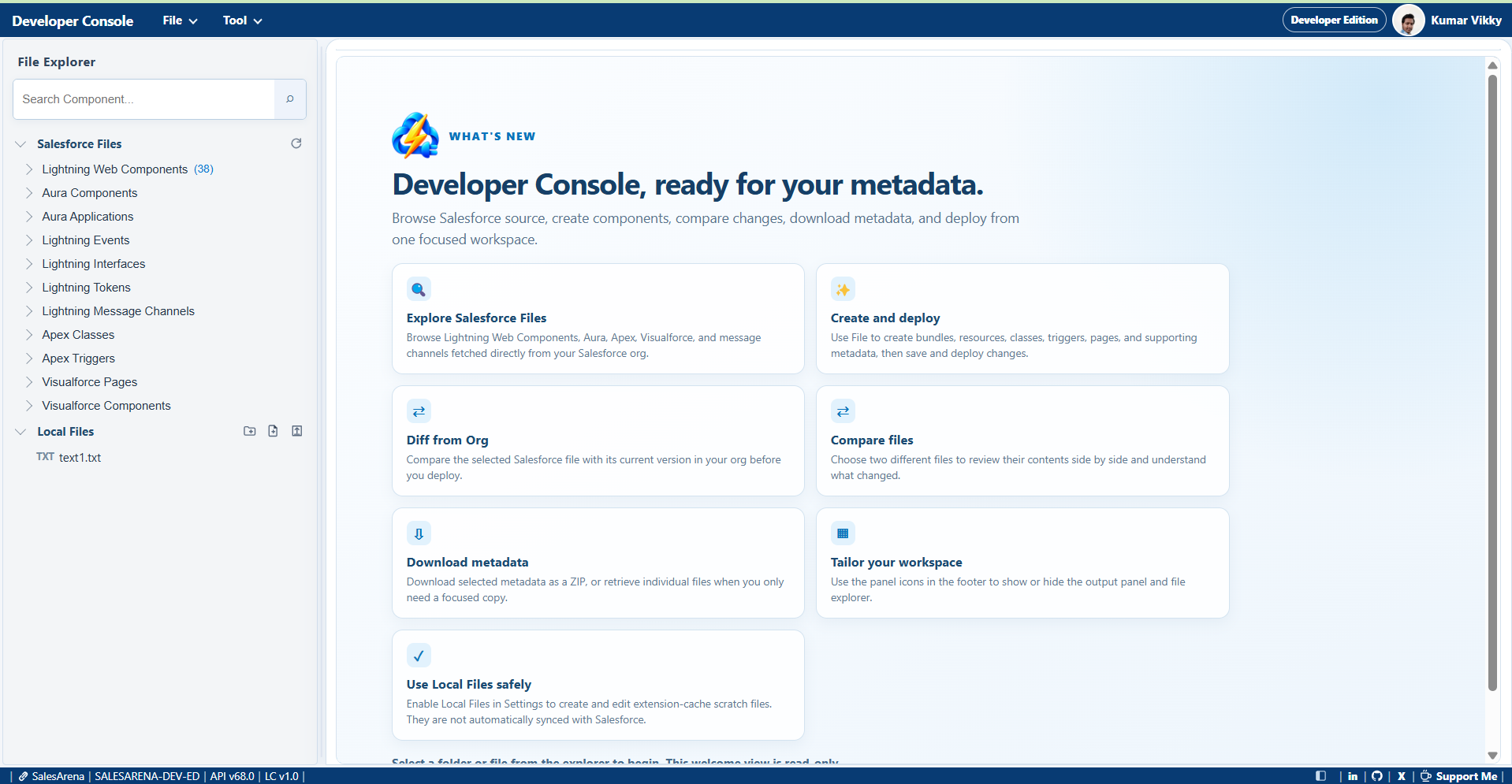
Browse supported Salesforce source and work with Apex, Aura, Lightning Web Components, Visualforce, and more.
Review a file against its org version or compare two files side by side before proceeding.
Download selected metadata as a ZIP or retrieve individual files where the type supports it.
Product gallery
Open any screen to view it at full size.
Need a hand?